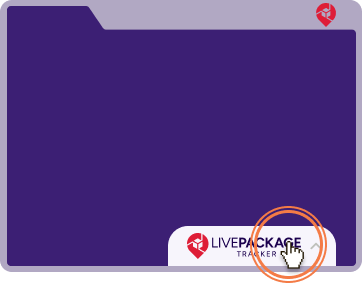
Activate extension window
Simply click on the floating action button on any website you are visiting and open your extension.
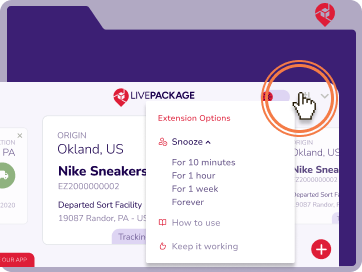
How to disable action button?
To hide the extension button from the page, click the settings icon to get more options.
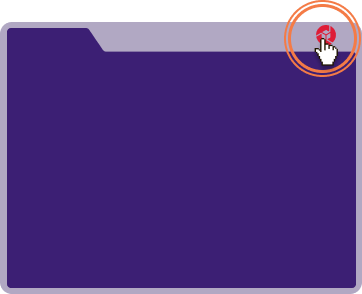
How to enable action button?
Find extension icon in the toolbar and click. And then just activate Toggle application state.
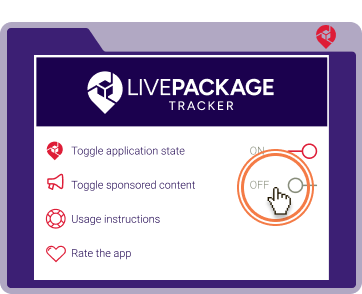
How to disable sponsored content?
To disable sponsored content, simply set ’Toggle sponsored content’ to Off.
Everything you need for the best tracking experience!
Regardless of the delivery service that ships your package, LivePackageTracker provides a single beautiful interface to keep track of your shipments. Spare yourself the hassle of visiting various tracking sites and getting lost in technical details of their tracking systems.
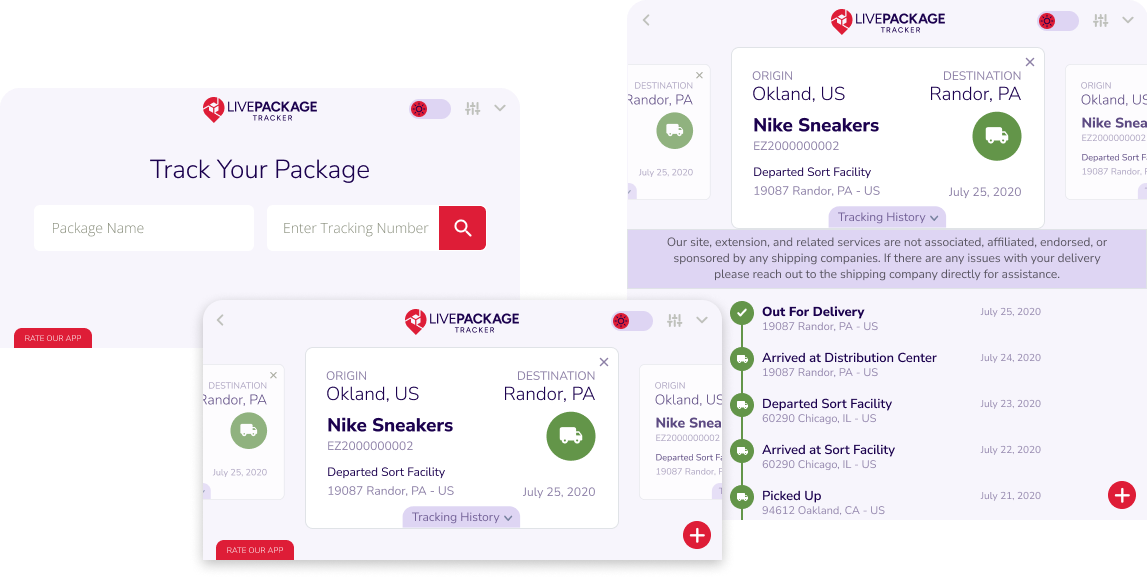
Enter Tracking Details
Enter your tracking code and product name (just for your convenience).
Review Shipment Status
If entered details are correct, you’ll be able to see a timeline of status changes for tracking code.
View Tracking History
All entered trackings will be presented on main screen with latest status updates.